
Welcome
The TEI Reporting, Engaging, Visualization (REV) tool is designed to help grantees better visualize and interpret the data from their home visiting program. The REV tool only analyzes your data locally- nothing is ever sent to remote servers. This page contains instructions to help grantees use the tool effectively.
Penelope Users
All Other Users
Instructions for Penelope Users
This section contains information to help Penelope Users use the REV tool. To use the Rev tool with Penelope, you will need to download a few standard reports from Penelope to your computer.
1) Log in to Penelope with an account that has access to the reporting functions
2) On the right side of the screen click on “Reports”
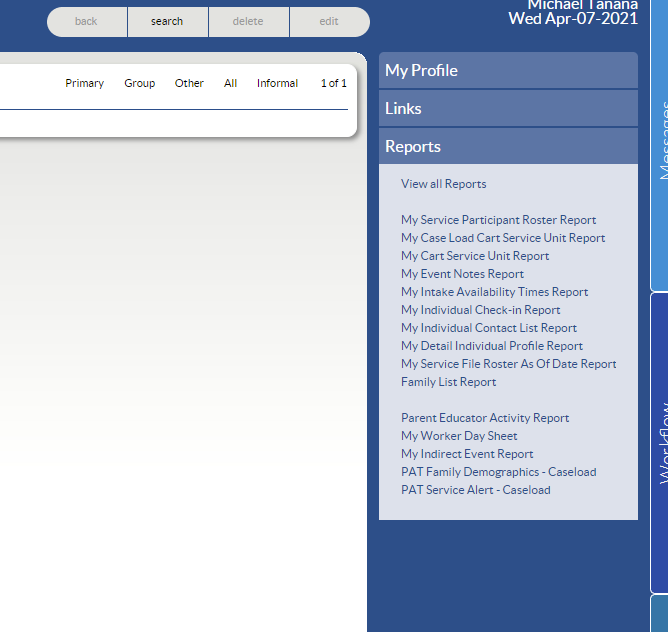
3) Click on “View All Reports” Then click “2019-2020 Affiliate Reports”
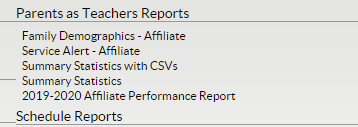
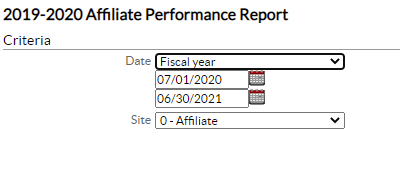
4) Select Fiscal Year from the date dropdown
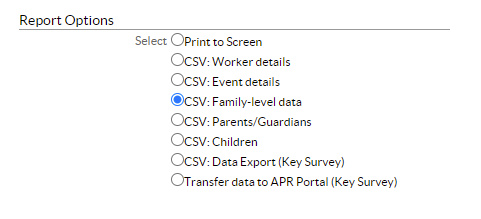
5) Download the following reports:
Event Details
Family-level data
Parents/Guardians
Children
6) To download, select the corresponding radio button and then click “view” The file should go to your download folder.
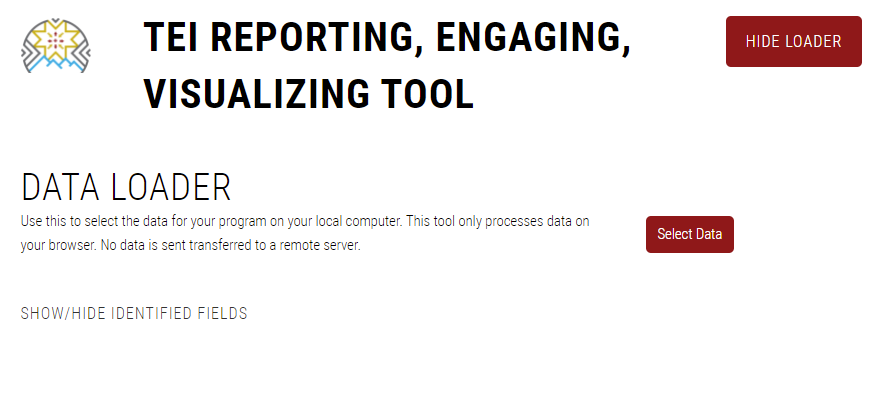
7) Open the REV tool on a web browser. Navigate to the data loader and click "Select Data". Select all of the files that you just downloaded.
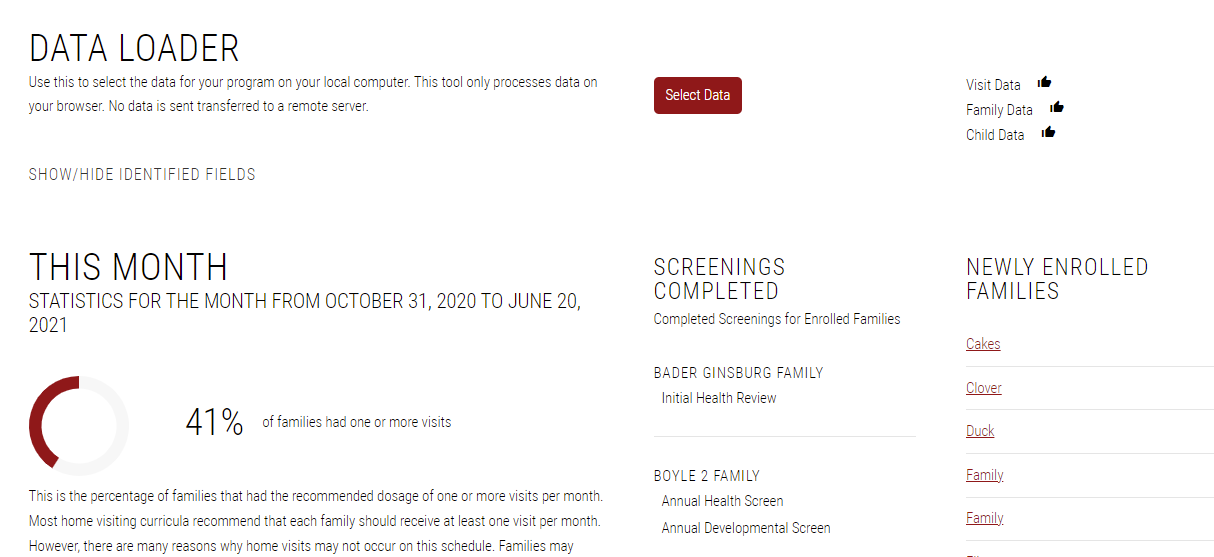
You should now see thumbs up icons indicating that the files have loaded correctly as well as data populated below the tool.
Instructions for Other Users
This section contains information to help grantees use their own data system with the REV tool